Extract the ZIP
Keep the SkyTheftMegaTrainerV4 folder intact.
A live trainer menu for Sky Theft. Open it while the game keeps running, then spawn cars, change the world, or build a complete save.
Inside the menu
The menu opens on the right side of the screen while the game keeps running, so you can still walk, drive, and fight.
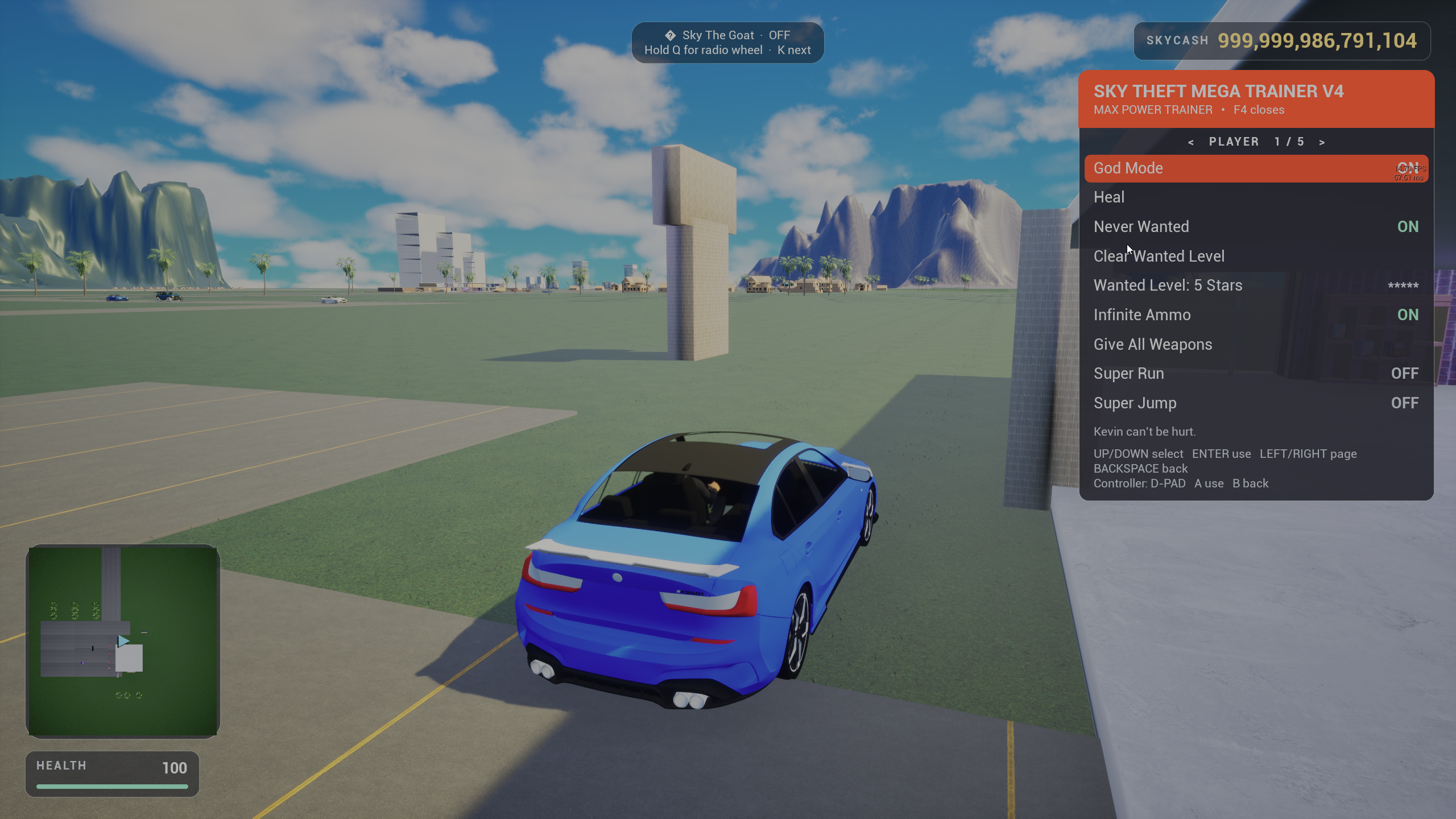
Stay alive, stay free, stay armed.
Super Jump can drop you from high up. Turn God Mode on with it.
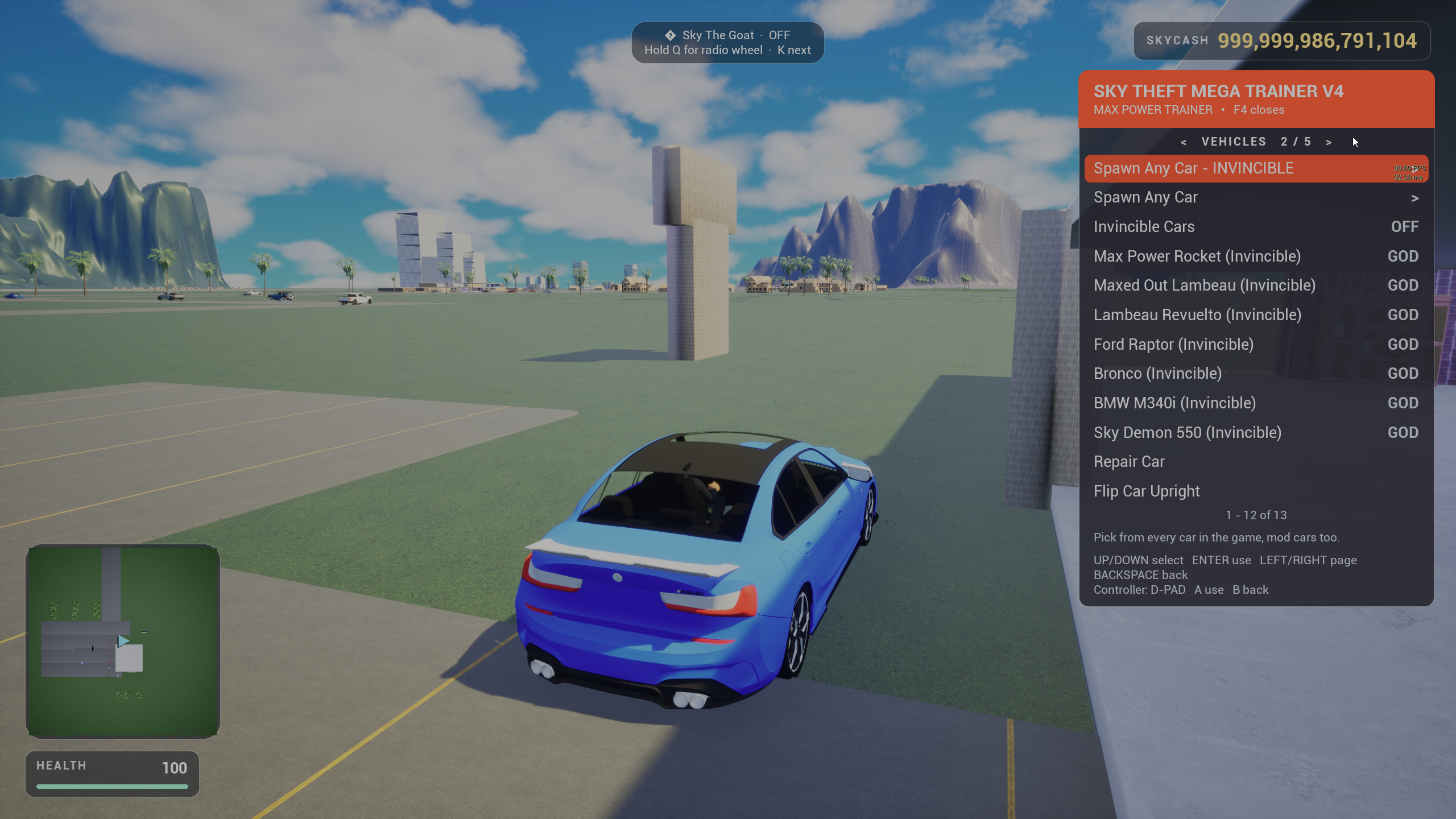
Every car in the game, mod cars too.
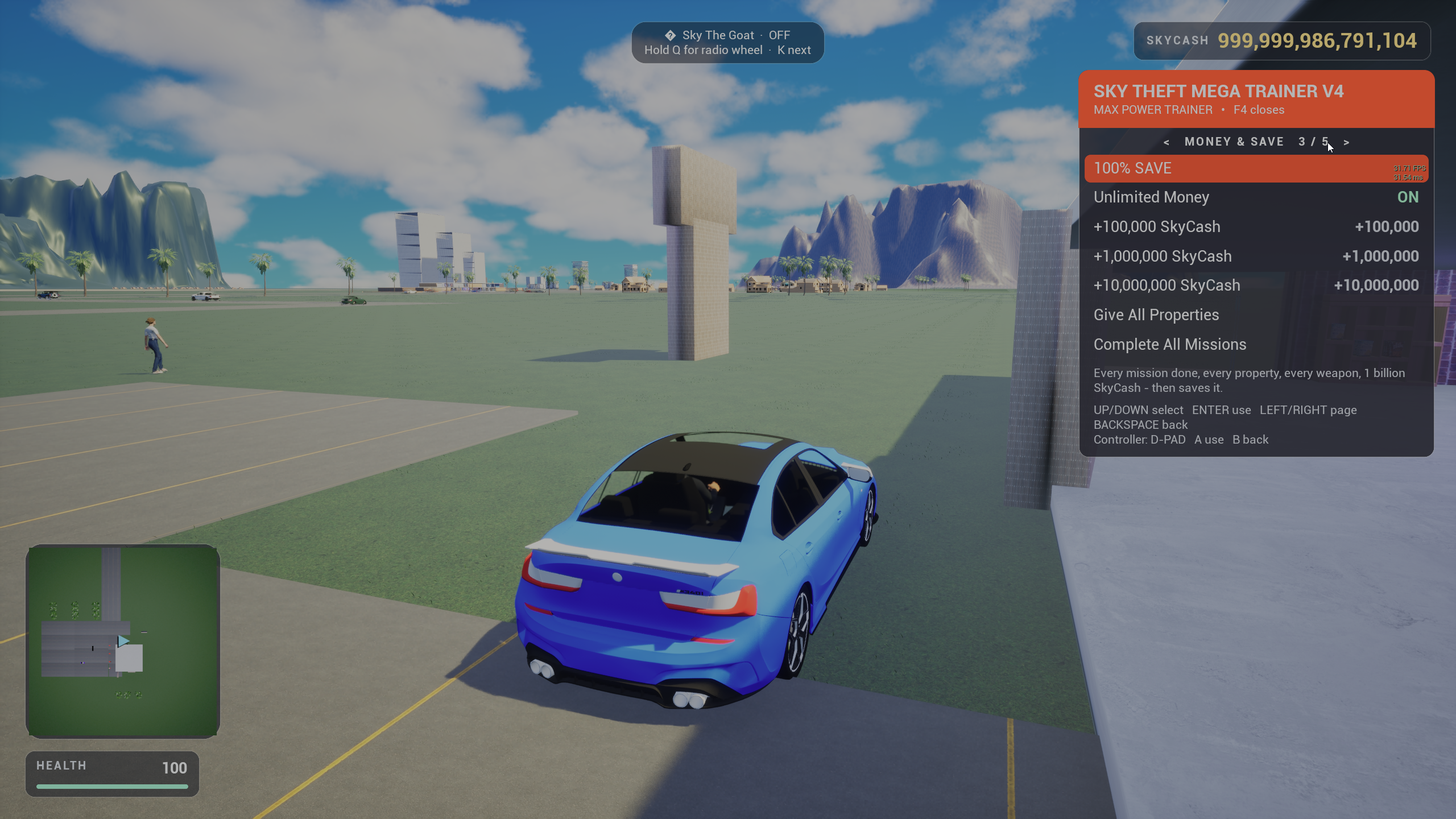
Skip the grind in one press.
100% Save creates a separate save called 100% Trainer Save. Load it from the pause menu any time.
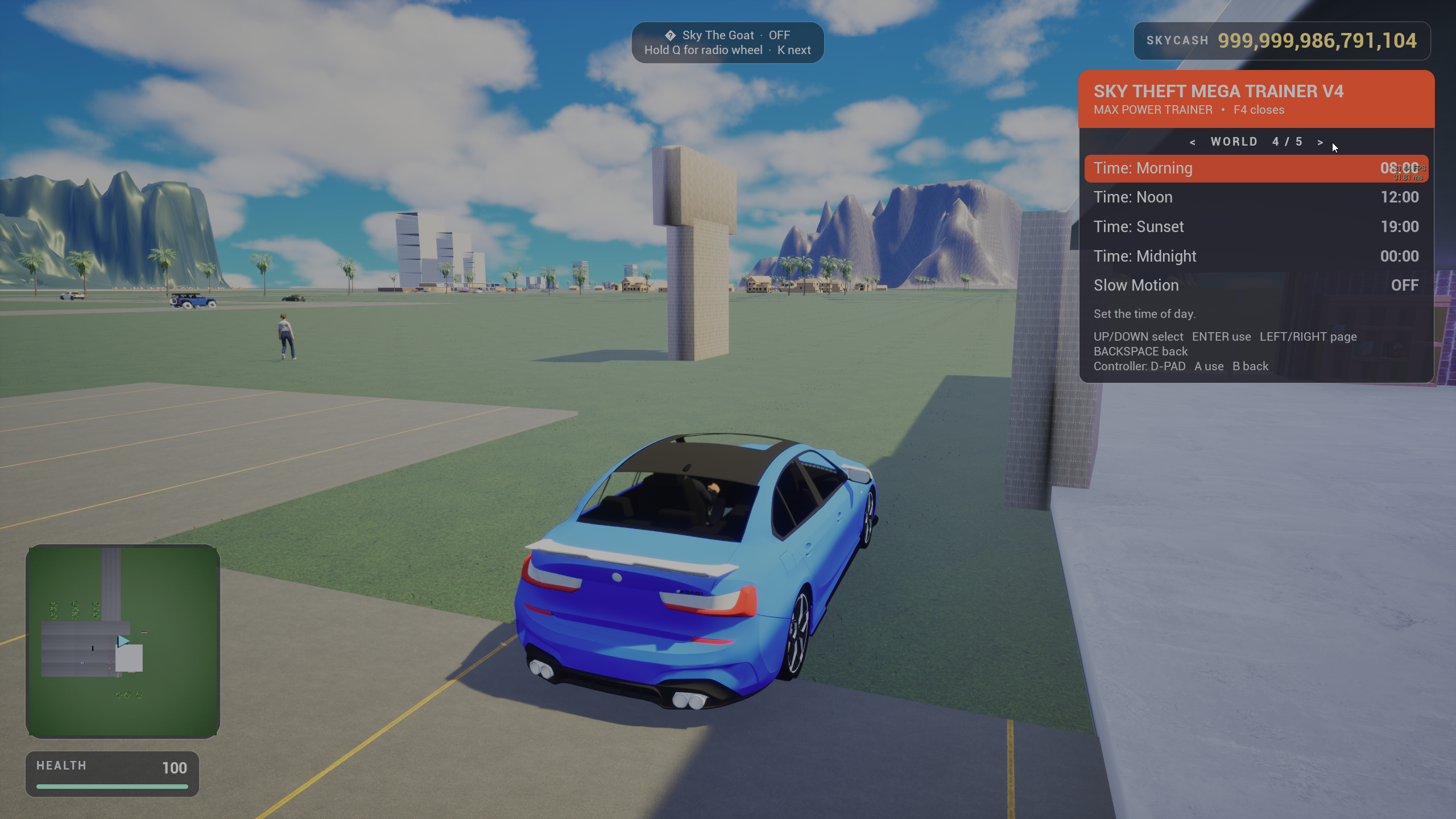
Set the mood of Darkwood.
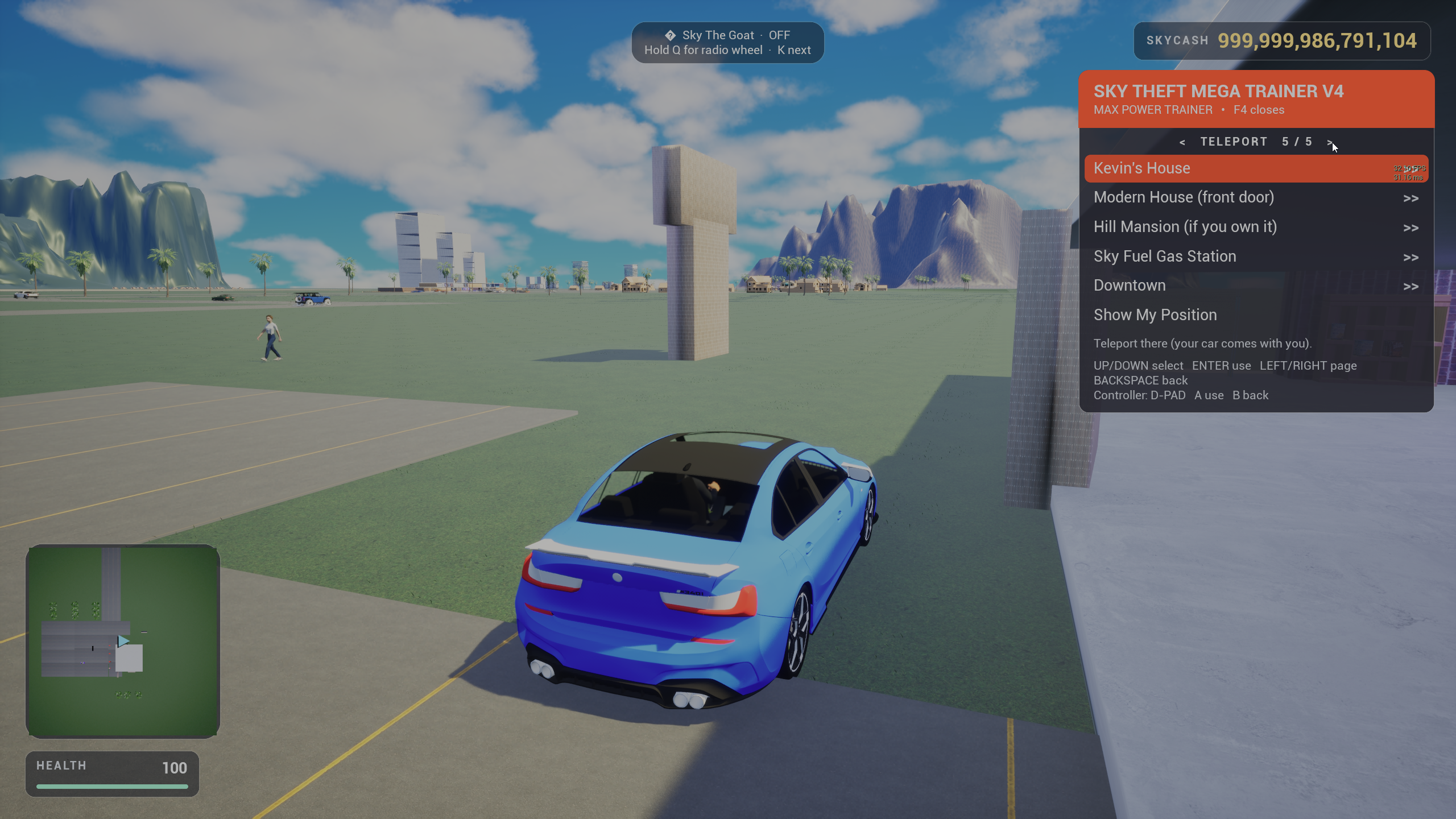
Instant travel across Darkwood.
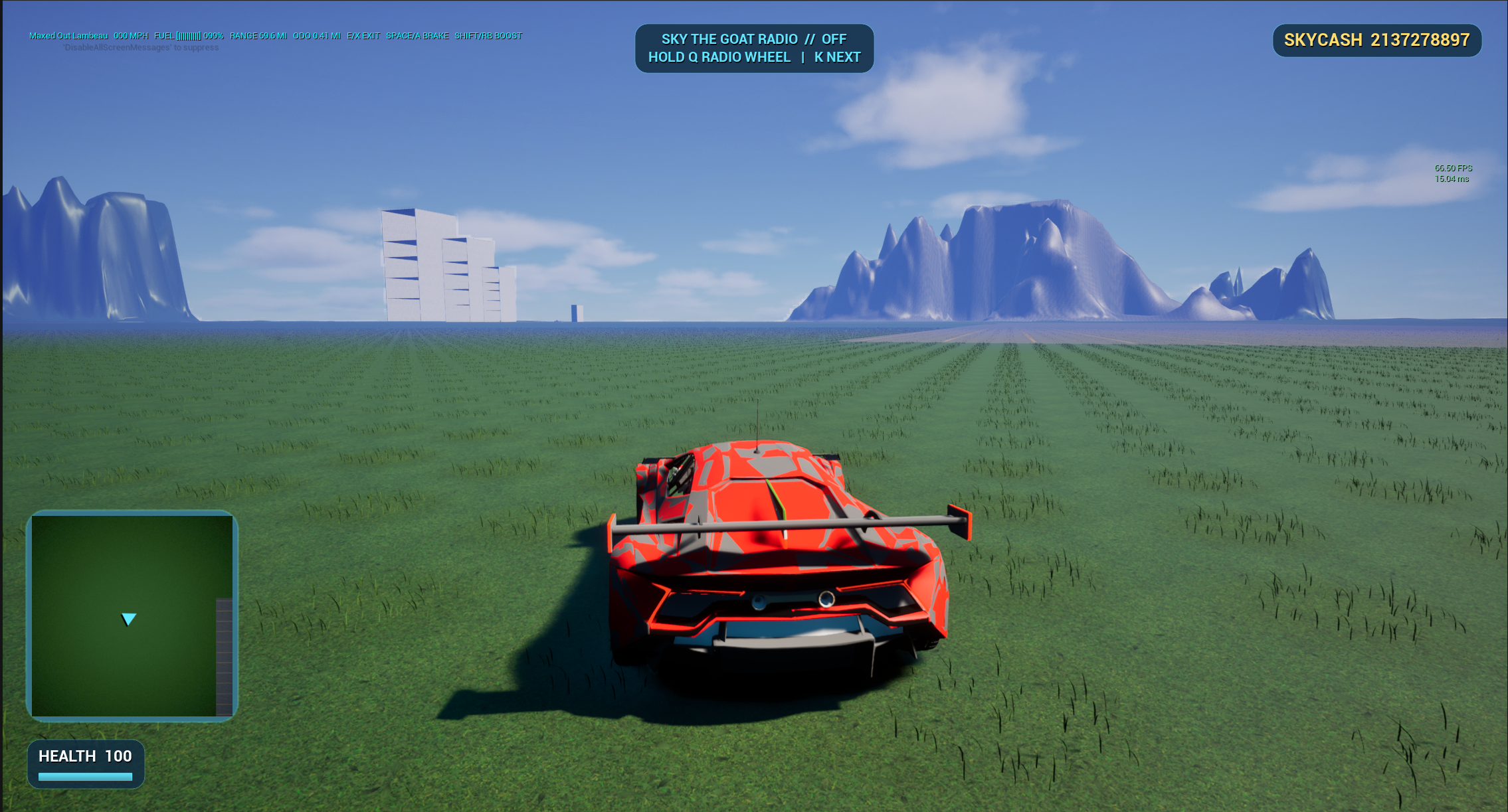
Bonus car
A red hypercar with rocket tuning. Spawn it from the trainer, or from Sky Mobile → Vehicles → Mod Cars.
Controls
Numpad 8, 2, 4, 6, 5, and 0 work too.
| Action | Keyboard | Controller |
|---|---|---|
| Open / close | F4 | L3 + R3 |
| Move | ↑ ↓ | D-Pad up / down |
| Use option | Enter | A |
| Change page | ← → | D-Pad left / right, LB / RB |
| Back / close | Backspace · Esc | B |
One-minute install
The trainer is a normal Sky Theft mod. Keep its folder together and the game reads it from the Mods folder.
Keep the SkyTheftMegaTrainerV4 folder intact.
In game: Sky Mobile → Mods → Open Mods Folder. Or open Windows\Mods next to the game.
Put SkyTheftMegaTrainerV4 inside Mods, with its manifest directly inside.
Sky Mobile → Mods → Reload Mods, or restart the game. Then press F4.
Save warning: 100% Save, Complete All Missions, Give All Properties, and the money options change your save for real. Save normally at Kevin's bed first if you want to keep your progress. To uninstall, delete the trainer folder or turn it off in the Mods app.
Includes install instructions and a full guide to making your own Sky Theft cars and trainers.
SHA-256 5F48B112CFD69F55EA75771FDCAE975D3ED77E9417DE55C241AD7E4C2857CFBF